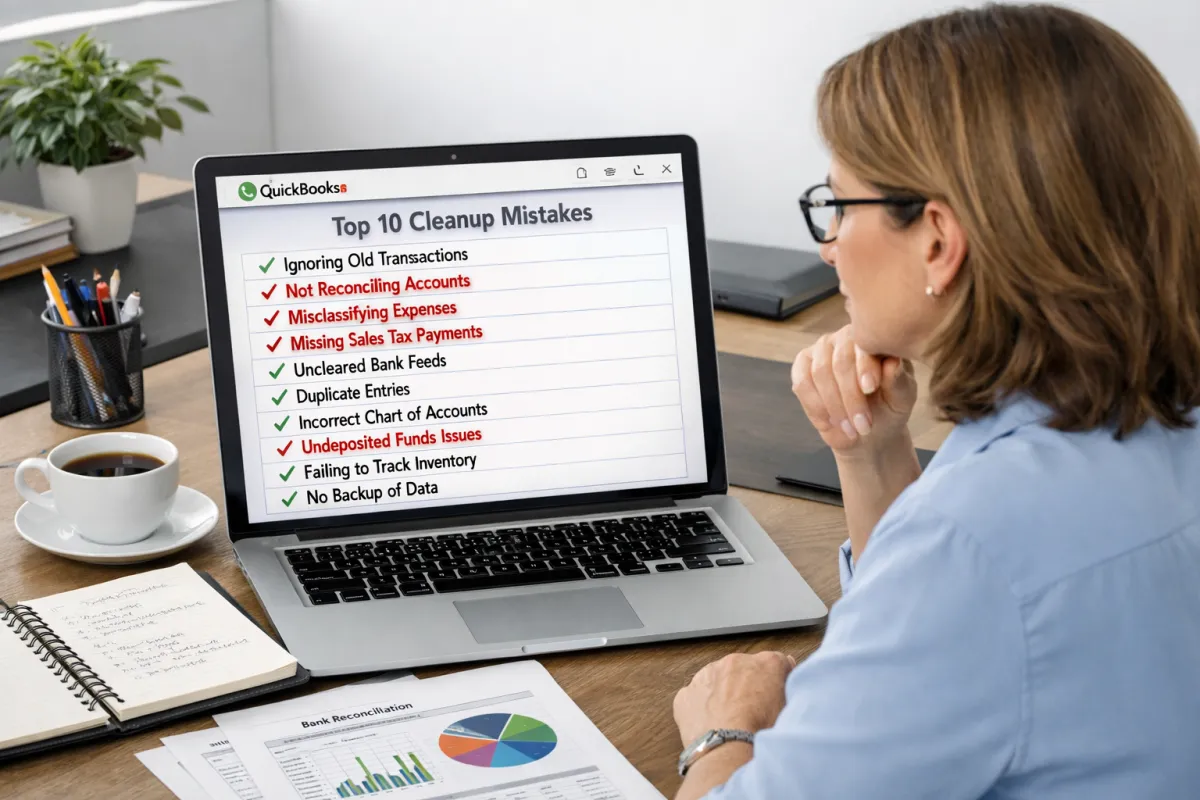
Top 10 Errors We See in QBO Clean-Up Projects
Introduction
QuickBooks Online (QBO) cleanup projects are essential for small businesses aiming to maintain accurate financial records. Effective bookkeeping and proficiency in QuickBooks are vital for ensuring precise financial reporting. However, common mistakes in QuickBooks can lead to significant issues that impact a business's financial health. This article discusses the top ten errors often encountered during QBO cleanup projects and how to address them.
Error 1: Incorrect Categorization of Transactions
One of the most frequent mistakes is mislabeling income and expenses. Incorrect categorization can skew financial reports and lead to erroneous tax filings, which can be particularly damaging during audits. To ensure proper categorization in QuickBooks Online, users should familiarize themselves with the system’s categories and regularly review transactions to confirm accuracy.
Error 2: Duplicate or Missing Transactions
Duplication or omission of transactions can occur due to bank feeds or manual entries. Duplicated transactions can inflate revenue or expenses, misrepresenting your financial standing. Regular reviews and using tools within QuickBooks, such as the reconciliation feature, can help bookkeepers identify and resolve these issues effectively.
Error 3: Mismanaged Bank Feeds
Unreconciled or incorrectly matched transactions can create significant problems in financial reporting. Managing bank feeds proficiently is crucial for maintaining accurate records. Best practices include regularly reviewing bank statements against records and utilizing QuickBooks tools designed to streamline bank feed management.
Error 4: Inaccurate Chart of Accounts
Having too many accounts or irrelevant ones can complicate reporting and reconciliation processes. A streamlined and standardized chart of accounts simplifies financial oversight. Regularly reviewing and updating the chart based on business needs can prevent confusion and enhance reporting clarity.
Error 5: Incorrectly Handled Invoices
Errors in invoice creation and recording are common pitfalls. Such inaccuracies can severely affect accounts receivable and revenue tracking. Ensuring invoices are created correctly and consistently is vital. Set up templates in QuickBooks and review them regularly to maintain uniformity.
Error 6: Poor Reconciliation Practices
Many businesses either skip or rush through reconciliations, leading to unreconciled accounts that disrupt the accuracy of financial reporting. Proper reconciliation is essential for a clear understanding of your bank balance. Establishing a routine for thorough reconciliations in QuickBooks can help mitigate these issues.
Error 7: Not Regularly Updating QuickBooks
Allowing data to pile up over months introduces risks and complicates cleanups. Outdated records create obstacles that can hinder financial integrity. Scheduling regular bookkeeping tasks ensures that records remain current, making future cleanups more manageable.
Error 8: Lack of Proper Documentation
Missing receipts, invoices, and other supporting documents can create challenges during audits and affect financial reporting. Implementing best practices for record-keeping, such as utilizing document management tools within QuickBooks, helps maintain comprehensive records and ensures compliance.
Error 9: Overwriting or Deleting Transactions
Many users mistakenly delete transactions instead of voiding them, leading to gaps in data and audit trails. Such actions compromise financial integrity. Bookkeepers should educate clients on the importance of voiding transactions to retain historical accuracy while correcting errors safely.
Error 10: Ignoring Small Errors That Add Up
Minor mistakes, like rounding errors or small misentries, can accumulate over time and affect overall financial reporting. Paying close attention to detail during the cleanup process is essential for accurate decision-making. Regular audits and reviews can help catch small errors before they develop into larger issues.
In conclusion, recognizing and addressing these common errors in QuickBooks Online cleanup projects can significantly enhance the accuracy of financial records. By implementing best practices and staying vigilant, small businesses can ensure their bookkeeping remains effective, paving the way for informed financial decisions. If you have further inquiries or would like specific adjustments to the article, feel free to ask!
