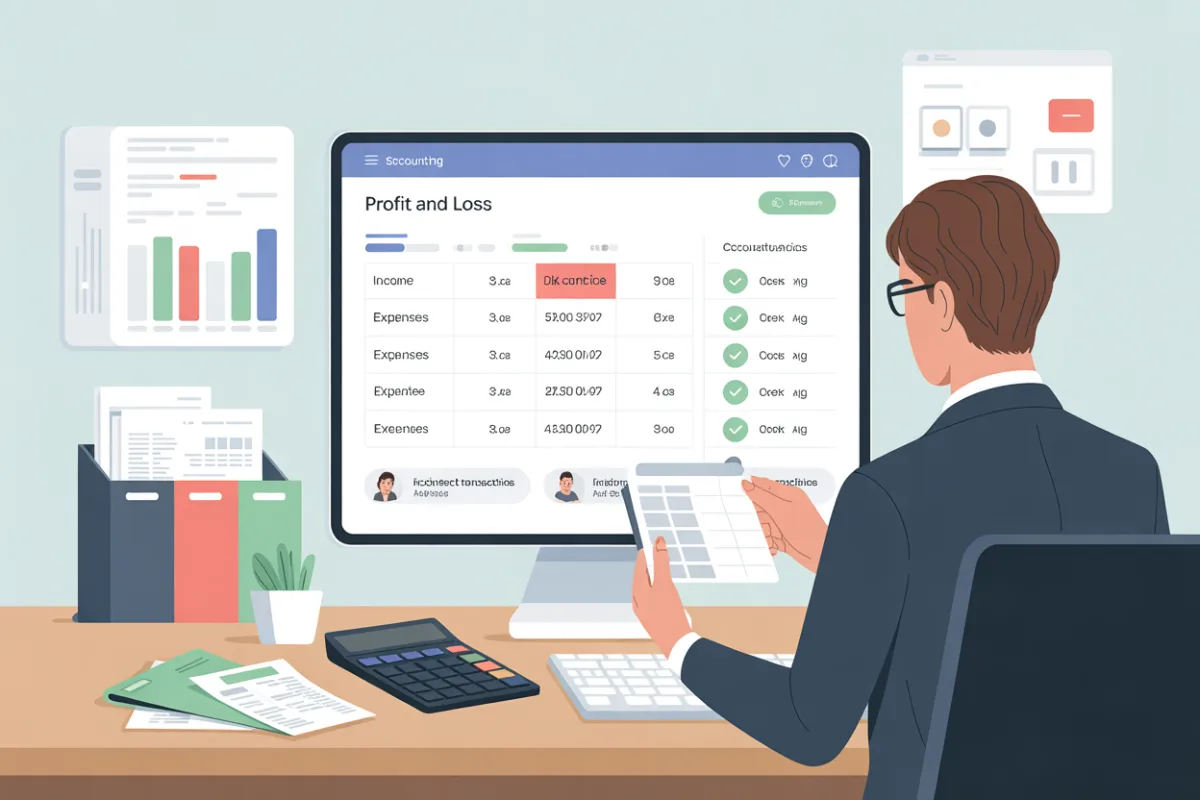
Profit and Loss Statement Explained for Accurate Reporting
Profit and Loss Statement Explained for Accurate Reporting
A profit and loss statement is one of the most important financial tools for understanding how a business is performing. This statement summarizes revenue and expense activity over a period of time and shows whether the business is generating a profit or operating at a loss. For small business owners, the statement provides clarity into operations, spending, and overall financial health.
However, when the statement is inaccurate or built on poor data, it can mislead decision-making. Understanding how this statement works—and how errors occur—helps business owners protect profitability and make informed decisions.
What a Profit and Loss Statement Shows
A profit and loss statement—also known as an income statement, loss statement, P&L statement, or P&L—is a financial summary that shows revenue, expenses, and net income. This financial report shows how much money your business earned and spent during a specific time frame.
In QuickBooks, the profit and loss report pulls data directly from your accounting software, based on your chart of accounts, categorized transactions, and synced bank accounts. When data is accurate, the report shows whether your business is profitable and how efficiently it operates.
Many small business owners rely on this statement to track cash flow, monitor profit margins, and evaluate overall business performance.
How Transactions Affect the Statement
Every transaction—from issuing an invoice to recording a payment—feeds into the statement. Income increases revenue, while each expense reduces it. If even one entry is recorded incorrectly, the entire statement can become misleading.
For example, failing to reconcile your bank statements with your books can result in missing or duplicated transactions. This leads to inaccurate totals and creates a discrepancy between your records and reality.
Using QuickBooks correctly helps maintain accuracy, but it still requires oversight and proper setup.
Common Mistakes That Cause Incorrect Statements | Profit and Loss Report
One of the most common mistakes is putting costs in the wrong account—or costs in the wrong categories. This includes misclassifying expenses, such as recording the cost of goods sold as an operating expense instead of COG.
These misclassified transactions can lead to inflated profits, distorted profitability, and unreliable insights. Another frequent pitfall is poor data entry, which affects totals and trends.
Many small business owners make mistakes simply because they don’t review their reports often enough or don’t fully understand accounting rules.
Relationship to Other Financial Statements
The profit and loss statement does not stand alone. It connects directly to the balance sheet, which tracks assets, liabilities, and equity. Errors in income or expenses can cause mismatches between these financial statements, raising red flags for lenders or investors.
A lender reviewing your financials will often compare both reports to assess risk and stability.
Expenses, Vendors, and Cash Flow
Expenses related to a supplier or vendor, including late fees, affect both cash flow and profit. Recording these correctly—especially within accounts payable—helps ensure accurate reporting.
Poor tracking can make it unclear how much money your business is truly earning or spending. The statement shows how much money is left after costs, offering visibility into whether the business can meet its budget and future obligations.
Why Accurate Bookkeeping Matters in QuickBooks
Strong bookkeeping practices help ensure that financial data is complete, up-to-date, and reliable. Regularly reviewing statements, reconciling bank accounts, and performing regular reviews helps prevent errors from compounding.
Many small business owners start with basic tracking, but eventually need professional bookkeeping or bookkeeping services as their business grows. This is especially true throughout the year, not just during tax season.
Using the Statement to Make Better Decisions
An accurate statement provides insight into trends, spending patterns, and growth opportunities. It helps make informed decisions, evaluate performance as a metric, and determine whether the numbers are fit for your business.
With proper setup in QuickBooks, you can filter reports, clarify categories, and streamline financial review. Regular check-ins help you identify issues early and keep your financial records clean.
When to Seek Professional Help for an Incorrect Financial Report
If your statement looks incorrect, confusing, or inconsistent, it may be time to consult an accountant or seek professional help. Experts in small business accounting and finance can correct errors, improve structure, and help you keep your business compliant and financially healthy.
Proper setup, ongoing review, and alignment between systems help sync your records and maintain accuracy.
Final Thoughts
A well-maintained profit and loss statement offers visibility, confidence, and control. It helps you understand how much money, evaluate performance, and prepare for growth. When used correctly, this loss report becomes a powerful tool—not just a requirement.
Accurate reporting allows you to plan better, avoid costly errors, and move forward with clarity and confidence.
