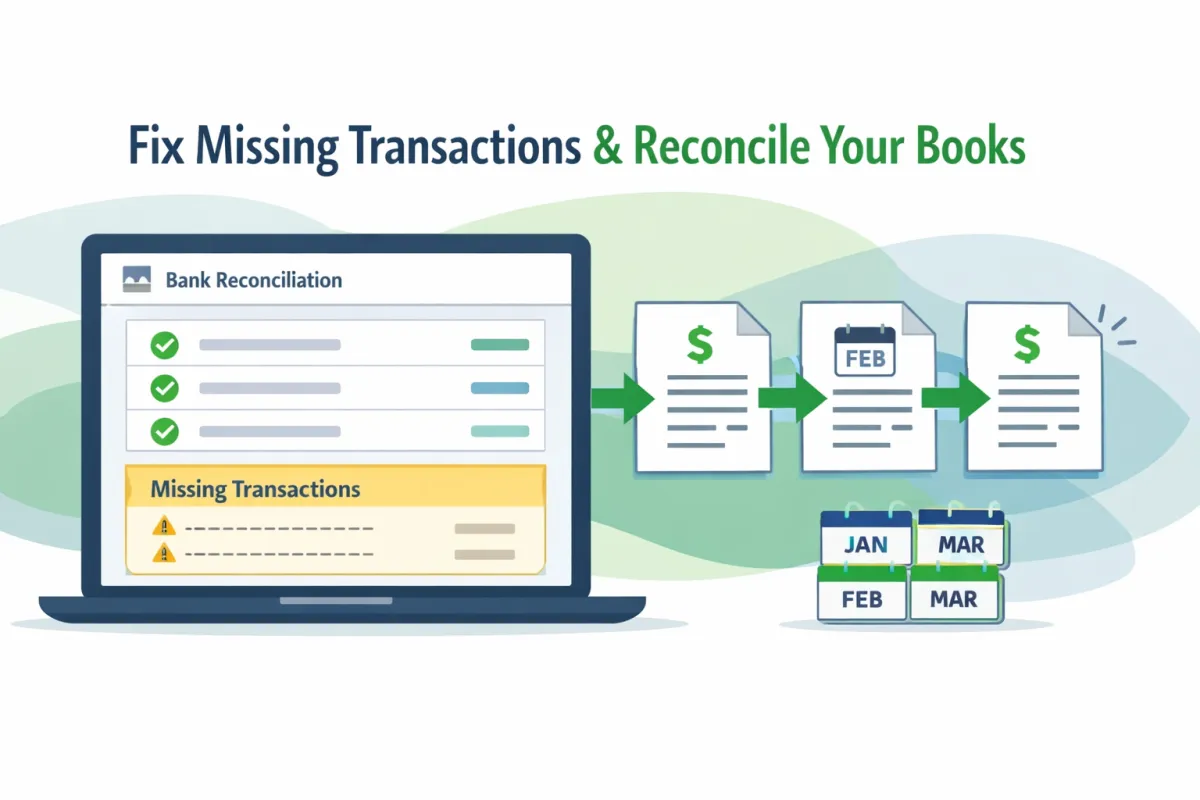
How to Reconcile Months of Missing Transactions
Introduction
Reconciliation is a crucial process in accounting, particularly within software like QuickBooks. It ensures that the financial records align with actual bank transactions. Missing transactions can distort account balances, leading to confusion and financial errors. For businesses trying to reconcile several months of unreconciled accounts, the challenges can be overwhelming, from identifying discrepancies to managing incorrect balances.
Understanding Reconciliation in QuickBooks
In accounting, reconciliation refers to the process of ensuring that two sets of records—namely, the bank statement and the financial records—are in agreement. QuickBooks facilitates this by automatically matching bank activity with recorded transactions. However, discrepancies can often arise due to various factors, including bank feed disconnections, incorrect input dates, or mismatched filters, leading to a situation where transactions in QuickBooks do not correspond to bank records.
Why Transactions Go Missing
Several common issues can lead to missing transactions in QuickBooks:
Bank feed disconnections: Temporary interruptions in bank feeds can prevent transactions from being automatically imported.
Deleted or duplicated transactions: Manual deletions or duplicate entries may create imbalances.
Incorrect date ranges or filters: Expired filters can lead to missing data from transactions.
Manual entries not matching bank data: When entering transactions by hand, discrepancies may occur due to human error.
Imported files not uploaded correctly: If imported files contain errors or are incomplete, transactions may not appear as expected.
Preparing to Reconcile Months of Missing Transactions
Before diving into the reconciliation process, it’s essential to be well-prepared. Start by gathering bank statements for the periods in question. Verify both beginning and ending balances to ensure accuracy. Check for any previous partial reconciliations that could affect your current reconciliation efforts. Additionally, reviewing the Reconciliation Discrepancy Report in QuickBooks can help identify issues that need addressing.
Step-by-Step Guide: Fixing Missing Transactions in QuickBooks
1. Identify Missing Bank Transactions
Compare QuickBooks register to bank statements: This will help pinpoint discrepancies.
Use the “Find Match” and “Review” tools: These QuickBooks features assist in matching your recorded transactions accurately.
2. Reconnect or Refresh Bank Feeds
Update connections: Ensure that your bank feeds are updated to download new transactions.
Manually upload transactions when necessary: If automation fails, you can input transactions manually.
3. Add or Correct Missing Transactions
Enter transactions manually: If some transactions are missing, you may need to input them.
Match transactions accurately: Ensure that you match entries correctly to avoid duplicate records.
4. Remove Duplicates or Incorrect Entries
Identify duplicate entries: Review any manual uploads for duplicates.
Delete or exclude unnecessary transactions: This helps to maintain accurate records.
5. Reconcile Each Month in Order
Start with the oldest month: Begin by reconciling the earliest month, as this provides a clear starting point.
Match recorded transactions to actual bank activity: Ensure that every entry corresponds to a bank transaction.
Resolve any balance discrepancies: Address any differences in balances before moving on to the next month.
Troubleshooting Reconciliation Issues
If the QuickBooks balance does not match the bank balance, several troubleshooting steps can be taken. First, verify all entries for accuracy. Avoid common adjustments that can complicate reconciliation, such as changing figures without clear reasoning. Only use reconciliation adjustments as a last resort, as they can lead to further discrepancies if not managed carefully.
Preventing Missing Transactions Going Forward
To maintain accurate bank feeds and prevent future missing transactions, implement best practices such as:
Establishing a monthly reconciliation routine: Regular check-ins keep records up-to-date.
Keeping transaction records organized: An organized filing system helps streamline reconciliation processes.
Reviewing bank rules: Ensure that categorization rules are correctly applied to maintain consistency.
When to Get Professional Help
Recognizing when reconciliation problems are too complex is vital. If discrepancies seem insurmountable, it’s prudent to consult with a professional bookkeeper or accountant. These experts can help rectify long-standing issues, ensuring that your accounting systems are functioning properly and preventing future headaches.
By following these guidelines, you can more effectively manage the reconciliation of missing transactions in QuickBooks. Proper preparation, structured steps, and preventive measures will not only resolve current issues but also support smooth financial operations in the future.
