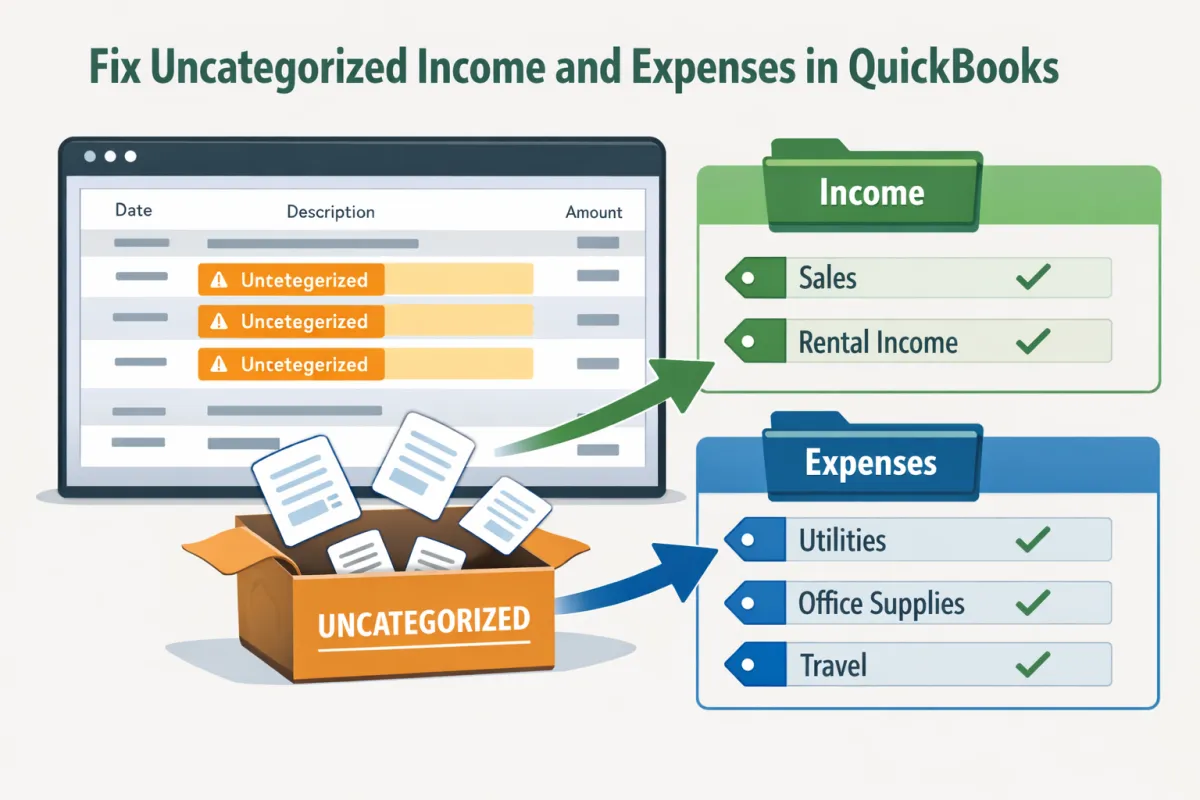
How to Clean Up “Uncategorized” Income & Expenses
Introduction
In QuickBooks Online (QBO), uncategorized transactions can pose significant challenges for small business owners. These transactions, which lack proper classification, can lead to inaccuracies in your financial records and hinder your ability to understand your business’s financial health. Cleaning up uncategorized income and expenses not only saves time but also prevents errors that can complicate tax preparation and financial reporting. This article will guide you through the steps to effectively clean up these transactions and maintain accurate bookkeeping.
Understanding Uncategorized Transactions
What Qualifies as an Uncategorized Transaction
An uncategorized transaction in QuickBooks is any income or expense entry that has not been assigned to a specific account or category. This can happen for several reasons, including:
Imported Transactions: Transactions imported from bank feed or credit card statements that have not been reviewed.
New Income Sources: Income from new avenues that have yet to be categorized in your chart of accounts.
Missing Information: Instances where receipts or invoices lack sufficient details for proper categorization.
How Uncategorized Transactions Affect Financial Reporting and Tax Preparation
Uncategorized transactions can severely impact your financial reporting. They obscure the true financial picture of your business by inflating or misrepresenting income and expenses. This can affect key metrics that guide decision-making and alter your tax obligations, potentially leading to underpayment or overpayment of taxes.
Step 1: Identify Uncategorized Transactions
The first step to cleaning up uncategorized transactions is to identify them within QuickBooks Online.
Using QuickBooks Online to Locate Transactions
QuickBooks has built-in tools that make it easier to find uncategorized items. Navigate to the “Banking” section or utilize the “Review” tab to filter transactions by uncategorized status. Here’s how you can go about it:
Use Filters: Apply filters to show only uncategorized transactions.
Transaction List: Check the transaction list for any items listed as “Uncategorized Income” or “Uncategorized Expense.”
Tips from Bookkeepers and Accountants
Bookkeepers recommend using batch processing to speed up identification. Sorting transactions by date or amount can help quickly pinpoint problematic entries, allowing for efficient categorization.
Step 2: Categorize Transactions Correctly
Once you have identified the uncategorized transactions, it’s time to categorize them appropriately.
Matching Transactions to the Correct Accounts and Categories
Go through each uncategorized entry and assign it to the correct account or category in your chart of accounts. Proper categorization is crucial as it ensures accurate bookkeeping and reporting.
How Proper Categorization Improves Bookkeeping and Reporting
Correctly categorized transactions enhance your financial reports by providing clear insights into your business's performance. For instance, knowing where your expenses are generated can help identify areas to cut costs.
Tips for Recurring Uncategorized Transactions
For recurring transactions, establish a template or rule in QuickBooks that automatically categorizes similar future transactions, ensuring they won’t be left uncategorized again.
Step 3: Fix Uncategorized Income
Next, focus on reviewing your revenue sources and properly categorizing income.
Handling One-Off or Unusual Transactions
For income that is one-off or unusual, assess each instance carefully to determine the appropriate category. Using relevant descriptions and justifying unusual income will help in accurate reporting.
Using QBO Features to Ensure Proper Categorization
Utilize QuickBooks features such as “Rules” and “Memorized Transactions” to automate categorization, simplifying your workflow and reducing the likelihood of future uncategorized income.
Step 4: Fix Uncategorized Expenses
Just as income needs proper categorization, expenses must also be assigned correctly.
Reviewing Expenses and Assigning to the Correct Account
Go through your expenses and categorize each one appropriately. Incorrectly categorized expenses can lead to misstated financial reports and missed tax deductions.
Importance of Accurate Expense Tracking for Deductions and Reporting
Accurate tracking of expenses not only aids in financial reporting but also captures eligible deductions during tax time. This is crucial for maximizing your tax benefits and minimizing liabilities.
Bookkeeping Best Practices for Recurring Expense Categorization
Implementing regular reviews for recurring expenses can help ensure that these transactions are consistently categorized. Create a checklist or schedule these reviews monthly to keep your records accurate.
Step 5: Review and Confirm
After categorizing all transactions, it’s essential to review and confirm the changes.
Generating Reports to Ensure Proper Categorization
Generate financial reports, such as the Profit & Loss statement and Balance Sheet, to confirm that all transactions have been accurately categorized. Look for any discrepancies or entries that still appear as uncategorized.
Reconciling Accounts to Confirm Accuracy
Perform a reconciliation of your accounts. This step ensures that your books align with your bank statements, reinforcing the accuracy of your newly categorized transactions.
Seeking Accountant or Bookkeeper Review
If you’re uncertain about your categorization or want a second opinion, consider consulting with an accountant or bookkeeper. Their expertise can provide insights and confirm that everything is in order.
Tips to Prevent Future Uncategorized Transactions
Finally, take proactive steps to avoid future uncategorized transactions.
Setting Up Rules in QBO for Automatic Categorization
Utilize QuickBooks’ “Rules” feature to set up automatic categorizations for recurring transactions. This will streamline your bookkeeping process and minimize the chances of future errors.
Regular Bookkeeping Review Schedules
Implement a regular schedule for bookkeeping reviews. Monthly or quarterly checks allow you to keep your records accurate and up to date, ensuring that uncategorized transactions are a rarity.
Using Consistent Naming Conventions and Accounts
Using uniform naming conventions for accounts can reduce confusion when categorizing transactions. Consistency helps streamline the process and keeps your chart of accounts easy to navigate.
In conclusion, cleaning up uncategorized income and expenses in QuickBooks Online is essential for maintaining accurate financial records. By following these steps, you can significantly improve your bookkeeping practices, ensuring clarity in financial reporting and compliance during tax season. Regular upkeep and the right practices will save you time, reduce errors, and ultimately lead to a healthier financial condition for your business. If you have any questions or need further assistance, don't hesitate to reach out!
