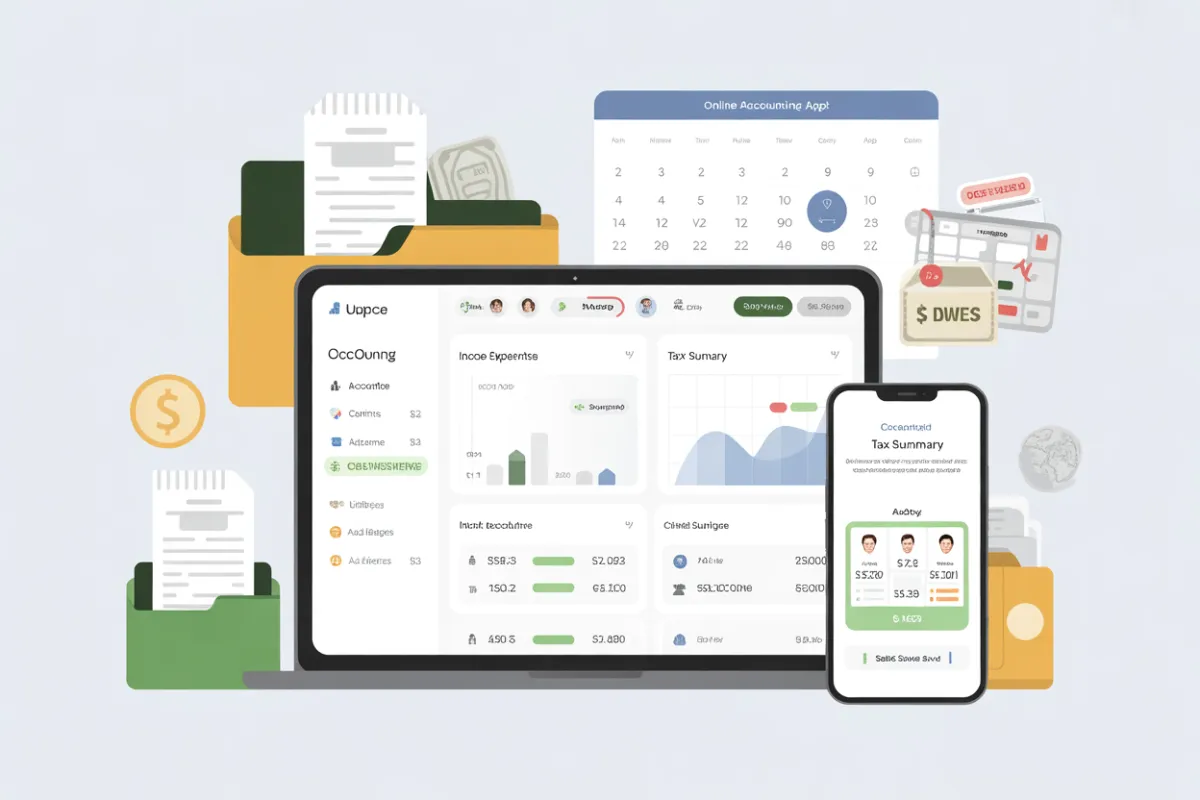
How Proper QBO Setup Saves You Money During Tax Season
Why Proper QuickBooks Setup Matters for Tax Season and Tax Prep
How a Clean QuickBooks Online Setup Simplifies Tax Filing
A clean home office setup can help you maximize your deductions. QuickBooks Online file allows you to navigate your financial data quickly when tax season arrives, you will be ready for come tax time. Properly named accounts and a clear chart of accounts make it easy to see where money is coming from and where it’s going. When QuickBooks makes your information easy to find, pulling what you need for your tax form preparation. filing becomes a simple, repeatable process.
This organization also supports your accountant or bookkeeper, who can jump in, understand your setup, and complete tax prep far more efficiently. The result: fewer follow‑up questions, less back‑and‑forth, and lower chances of last‑minute surprises.
Avoiding Errors That Cost Time and Money During Tax Season
Misclassified transactions, missing receipt support, and unreconciled accounts are some of the biggest issues that slow down tax prep. These problems can lead to incorrect reporting or missed deductions, both of which may cost you money. A strong QBO setup reduces these issues by making it easy to track expenses and streamline your bookkeeping. categorize transactions correctly and reconcile accounts regularly.
When your income and expenses are accurate and your books are clean, your tax form preparation will be much smoother. accountant can focus on strategy—like finding additional deductions or credits—instead of cleaning up data. That means more value for you from every professional hour you pay for.
Benefits for Business Owners: Smoother Reporting and Tax Prep
With a proper QBO setup, you’ll experience smoother tax prep for taxes and easier year-end close. You can instantly generate key financial reports can be easily generated using QuickBooks for small business owners. reports, such as profit and loss and balance sheet, that are essential for tax season with QuickBooks offers small business owners an efficient way to manage their tax preparation.. This visibility helps you plan for payments, avoid surprises, and understand how decisions throughout the year affect your tax bill.
In short, smart setup in QuickBooks doesn’t just help with compliance—it also supports better business decisions all year long.
Key QuickBooks Online Best Practices to Prepare for Tax Season
Review and Organize Accounts to Simplify Tax Prep
Before tax season, review your chart of accounts and make sure each account still makes sense for your business. Merge duplicates, remove unused accounts, and confirm that your income and expenses Expenses are flowing to the right categories when you sync your accounts with QuickBooks. This is a core best practices step that keeps your file lean and easy to read.
Categorizing Transactions for QuickBooks Tax Season
Go through uncategorized or “Ask my accountant” transactions and assign them to the proper bank accounts. The more consistently you categorize transactions, the easier it will be for your accountant or bookkeeper to complete tax prep quickly and accurately to ensure you don’t miss out on valuable tax deductions.
Reconcile Accounts Regularly to Prepare for Filing
Using QBO to reconcile accounts (both bank and credit cards) before year-end Building a strong bookkeeping habit with QuickBooks is one of the most important habits you can build.
How Reconciling Helps With Tax Filing Accuracy
When you reconcile your books to bank and card statements, you confirm that every transaction in QBO actually happened in real life. This reduces the risk of missing income, duplicate expenses, or unrecorded transfers that could affect your return. Regular reconciliation means your key financial Reliable reports are trustworthy when they are generated through QuickBooks bookkeeping. tax season arrives.
Track Expenses and Receipts to Simplify Tax Deductions
Tracking and documenting deductible expenses is at the heart of effective tax prep.
Track Expenses Throughout the Year
Use QBO to track expenses effectively with QuickBooks to ensure accurate tax returns, especially when leveraging QuickBooks for six months. by category (travel, supplies, professional fees, etc.) and attach a receipt image whenever possible. Digital receipts inside QuickBooks help you keep track of your expenses for valuable tax deductions. QuickBooks Online make it much easier to prove deductions if you are ever asked for documentation.
Maximize Deductions With Clear Categories
Consistent categories not only help during tax season but also give you better visibility into spending patterns and income and expenses throughout the year.
Use QuickBooks Live and Your Accountant for Expert Tax Season Support
For many small business owners, getting additional help from a QuickBooks Live Expert is a smart move.
QuickBooks Live and Your Accountant
QuickBooks Live and your own accountant or bookkeeper can review your file, clean up problem areas, and help you get audit‑ready records. When you combine QBO’s automation with a human expert, QuickBooks for tax season becomes a powerful system that both simplifies and strengthens your tax prep.
Automate QuickBooks Online Reports to Simplify Tax Filing
Set Up Recurring Key Financial Reports for Tax Season
One of the easiest ways QuickBooks Online can simplify tax time is by automating your key financial reports.
Schedule recurring profit and loss, balance sheet, and income and expenses summaries.
Have them emailed to you and your accountant monthly or quarterly.
By the time year-end arrives, you already have an organized history of your financial performance that makes it easy to sign up for QuickBooks. tax prep and filing faster and more accurate.
Use Reports to Double‑Check Tax Readiness
Before tax season, review your automated reports to look for anything unusual—big swings in expenses, negative balances, or strange account totals. These clues can reveal errors or missing data that you can fix before sending information to your accountant.
This proactive review step is a simple best practices move that can prevent stressful last‑minute corrections.
Common QuickBooks Tax Season Mistakes to Avoid
Misclassified Transactions That Complicate Tax Prep
Misclassified income or expenses often cause confusion at tax season. For example, treating a capital asset purchase as a regular expense, or recording owner draws as payroll, can change how your return should be prepared.
Review categories with your bookkeeper or accountant and correct any issues before filing. This ensures that tax prep is based on accurate data and that you’re not overpaying or under‑reporting.
Missed Deductions From Poor Expense Tracking
When you don’t track expenses consistently or lose valuable tax deductions. receipt documentation, you may miss deductions that you are legitimately entitled to. Over a full year, this adds up.
Use QBO’s tools to capture expenses in real time, attach receipts, and confirm that all eligible deductions are logged before tax season with QuickBooks. This simple habit can significantly reduce your tax bill.
Incomplete Reconciliations at Year‑End
Skipping or rushing through reconciliations means your key financial reports may not match reality. This can delay tax prep, create extra work for your accountant, and increase the chance of notices or corrections later.
Make sure all bank, credit card, and loan accounts are fully reconciled before your accountant begins filing your return.
Year-End QuickBooks Best Practices for Stress‑Free Tax Season
Schedule a Final Review of Accounts With Your Accountant or Bookkeeper
Before your fiscal year-end, schedule time with your bookkeeper, accountant, or QuickBooks Live pro to walk through your QBO file. Together, you can:
Confirm that all major bookkeeping entries are synced in QuickBooks. income and expenses are recorded.
Verify that reconcile accounts is complete for all key accounts.
Check that no large or unusual transactions are sitting uncategorized.
This shared review ensures you hand off clean data for tax prep and filing.
Ensure All Invoices, Receipts, and Payroll Are Recorded
Before you close the year:
Confirm all customer invoices and payments are in QBO.
Make sure every receipt is attached to the proper expense.
Verify that all payroll runs for the year are recorded correctly.
Capturing this information in QBO ensures that QuickBooks makes your key financial reports complete and ready for tax season.
Prepare for a Smooth Tax Season With QuickBooks Online
By following these best practices, QuickBooks Online truly becomes QuickBooks for tax season. You’ll have:
Accurate income and expenses.
Reconciled bank and credit card accounts.
Organized receipts and clear categories.
Reliable reports for your accountant to use in tax preparation with QuickBooks. filing.
This preparation not only simplifies tax season, it also builds stronger, more useful books for day‑to‑day decision‑making.
Final Thoughts: Use QuickBooks to Make Tax Season Easier Every Year
A proper QuickBooks Online setup is one of the most effective ways to make tax season less stressful and more predictable. When you use QBO to reconcile accounts, track expenses, keep receipt records, and automate key financial reports, you transform tax time from a scramble into a straightforward step in your annual process.
